Case Study: Thirty Years of Sketchbooks, Searchable by Meaning
Self-initiated · 2025-2026 · Product Design, Information Architecture, Multimodal Search, Interface
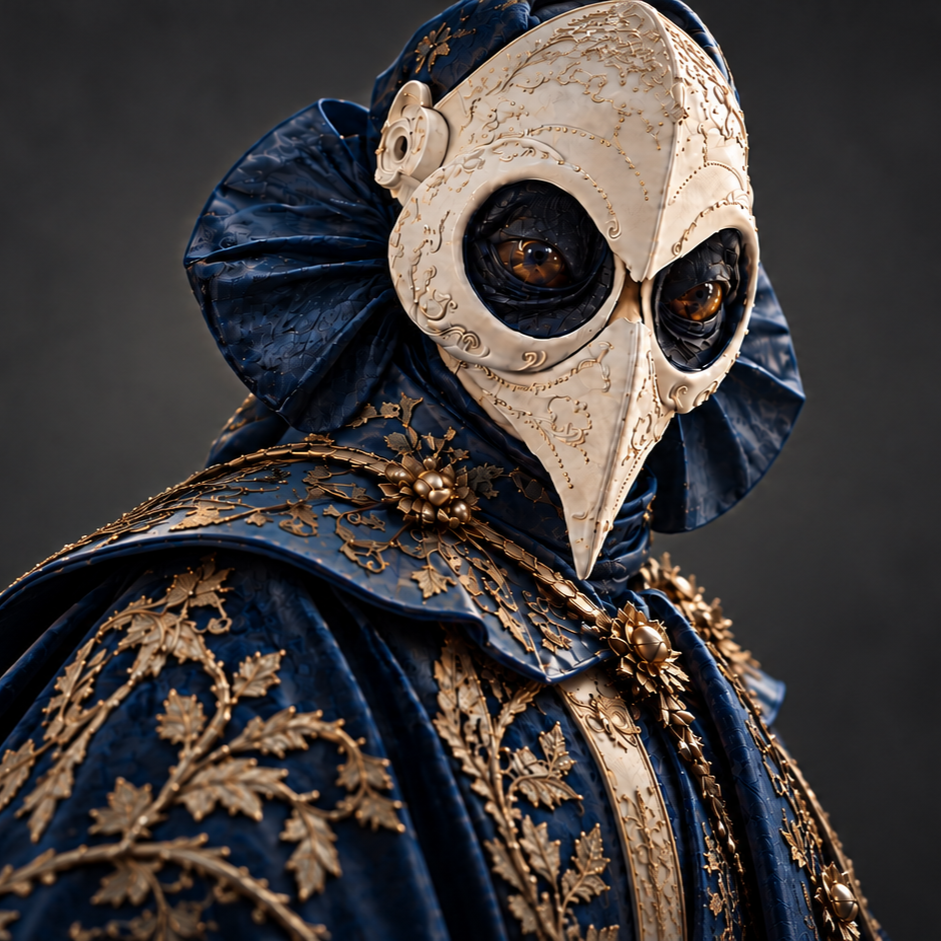
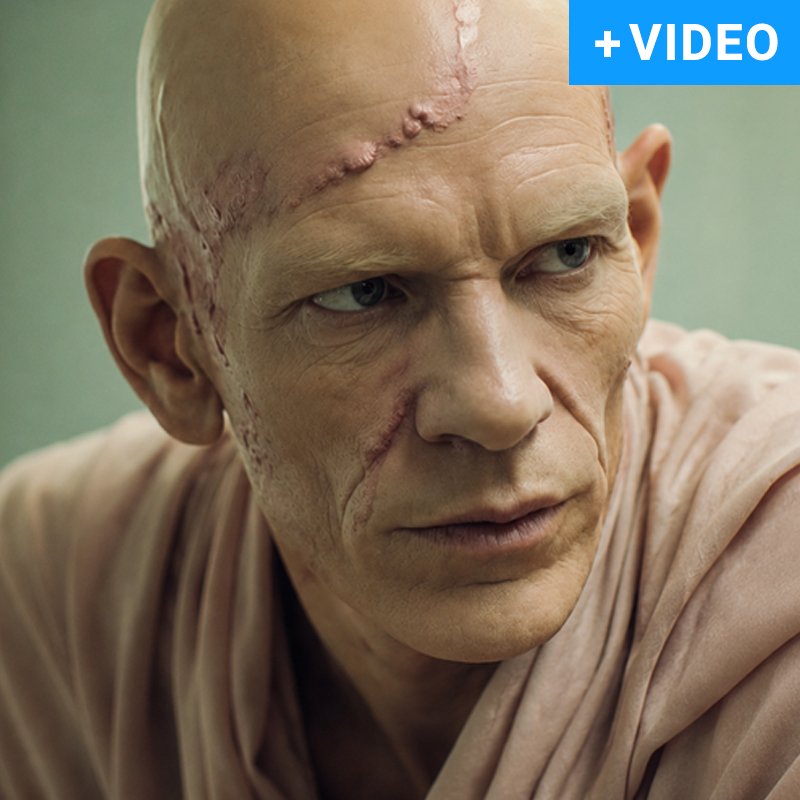
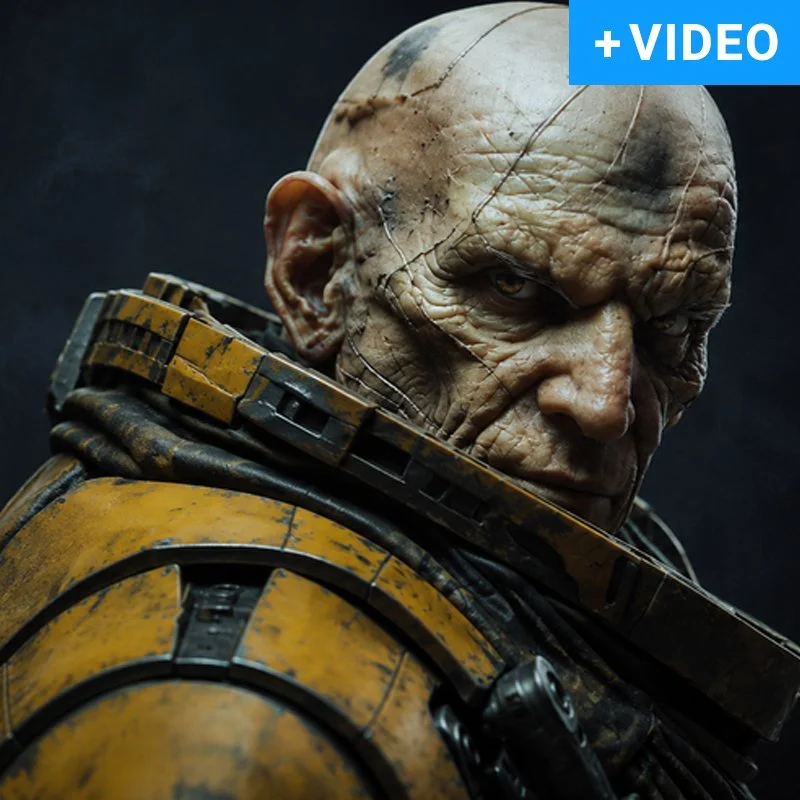
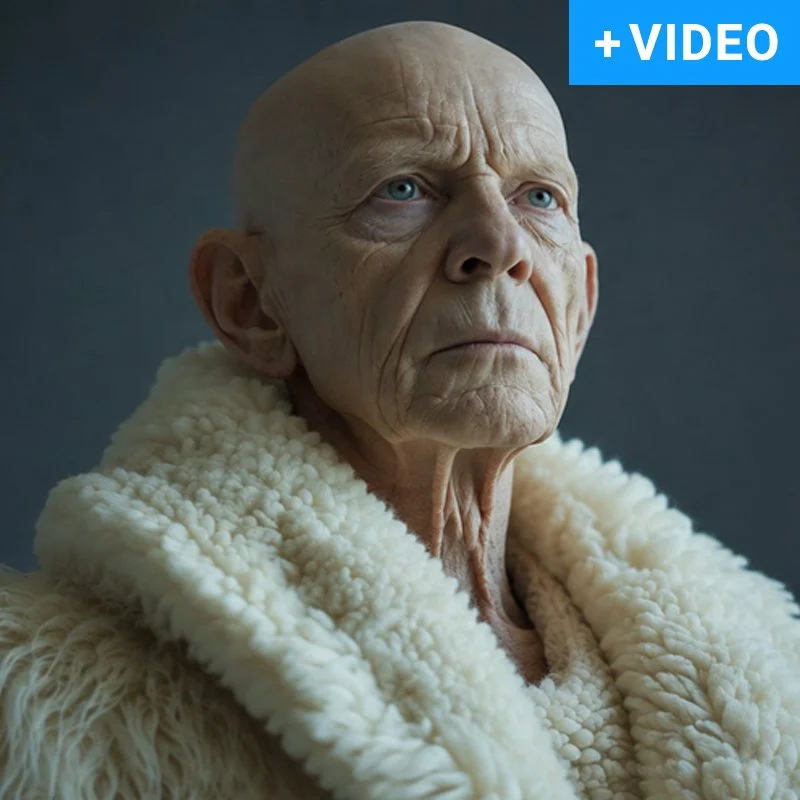
A private visual archive of tens of thousands of images, turned into a search engine you can talk to. Describe a feeling, a colour or an idea. The archive answers with pictures.
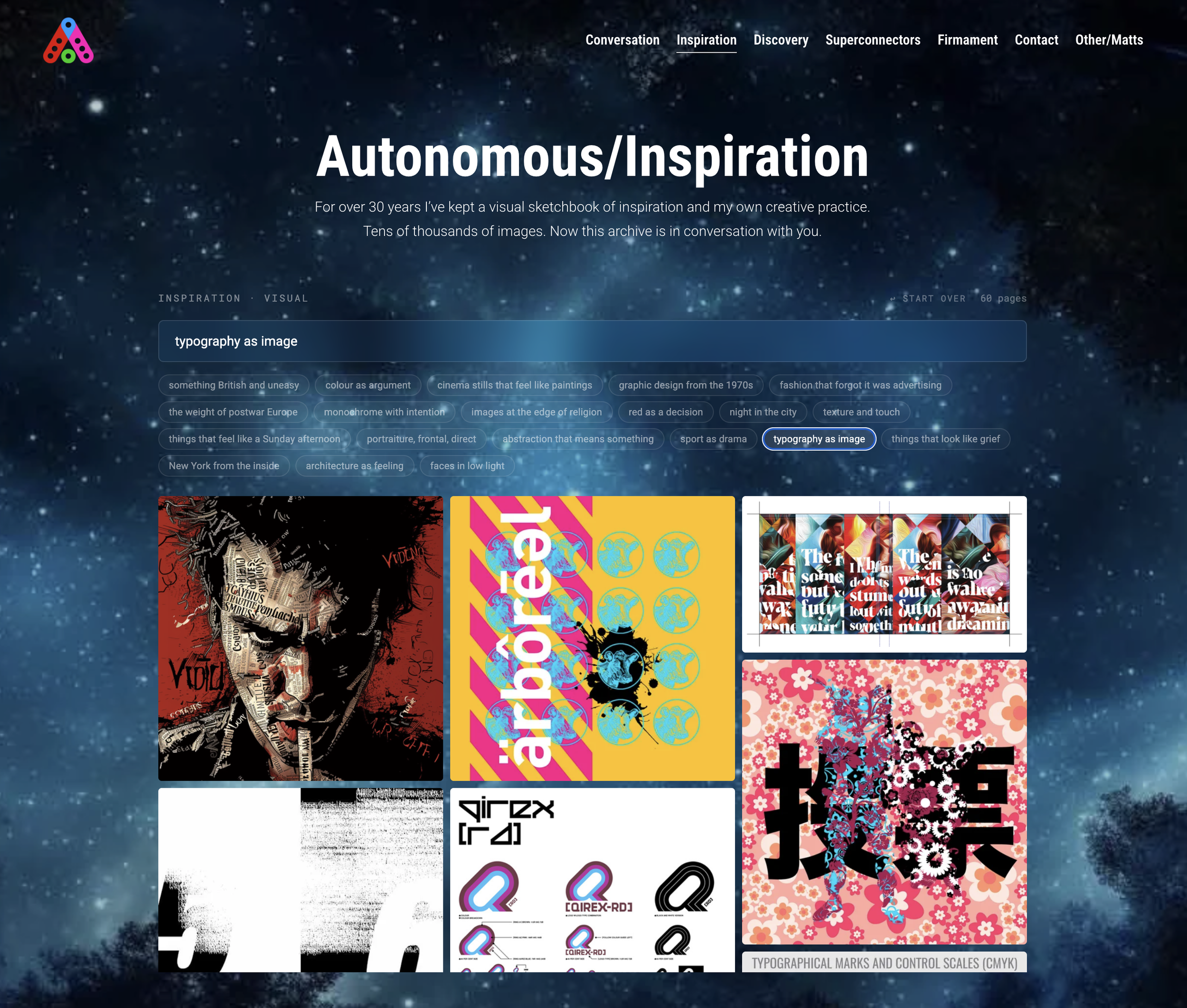
Archive: 30+ years of visual sketchbooks and creative practice
Scale: Tens of thousands of images [exact indexed count]
Search: Natural-language queries matched to images by meaning, not tags
Discovery: More like this from any image, so one find leads to the next
Stack: Voyage multimodal embeddings, Upstash Vector, Vercel
Part of: Autonomous/Matt, alongside Conversation, Discovery and Superconnectors
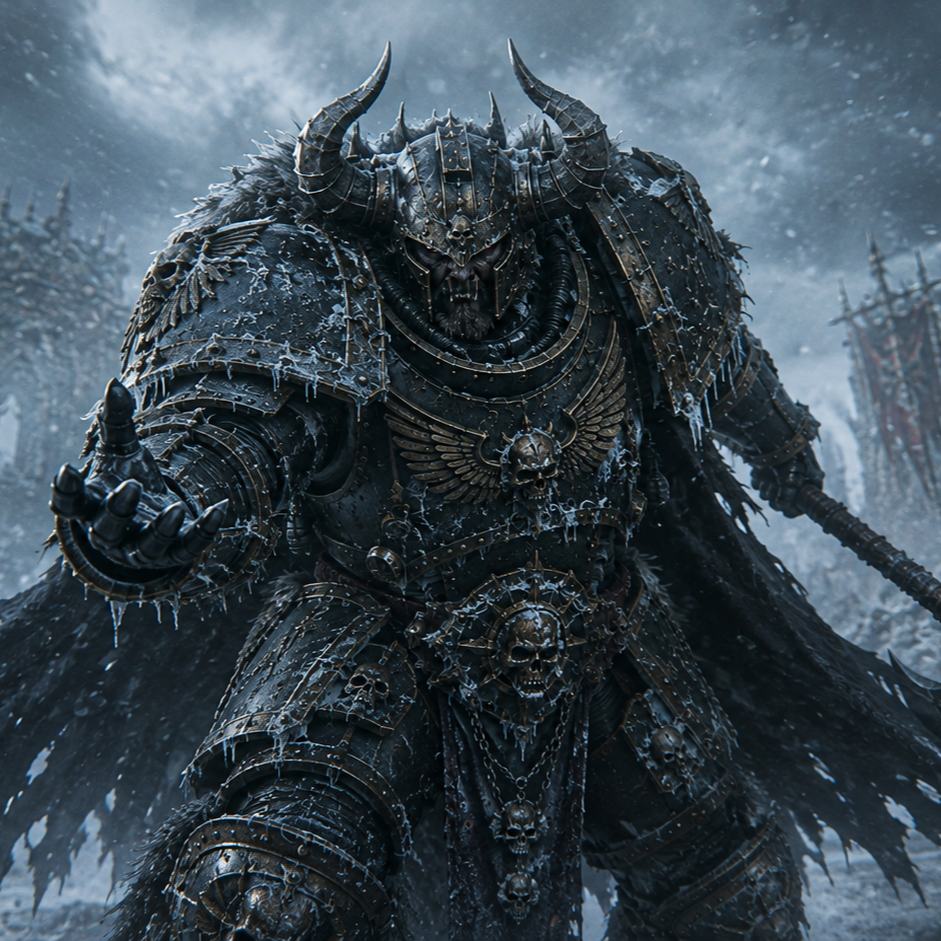
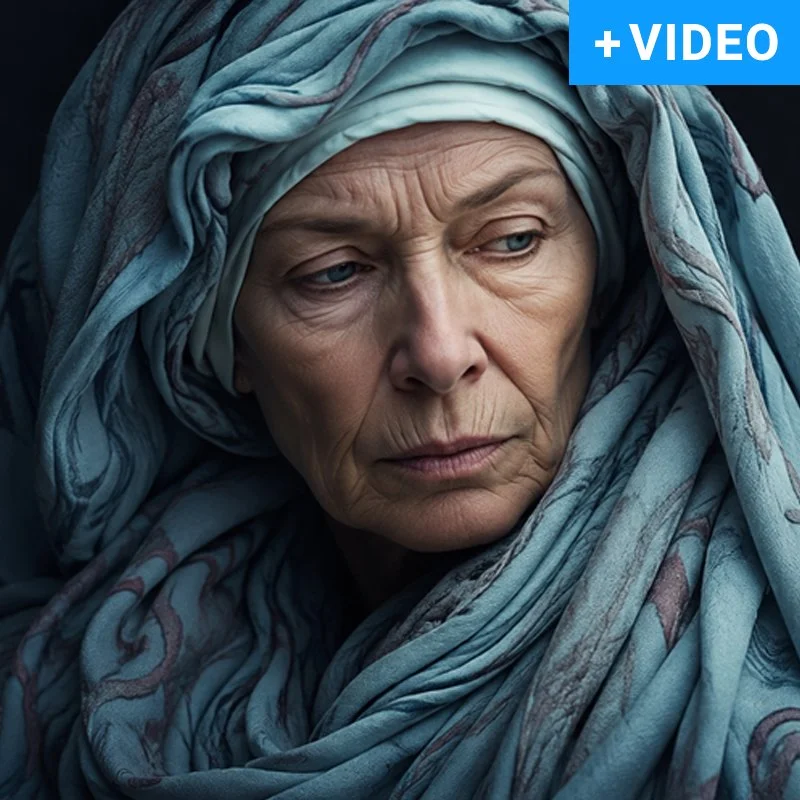
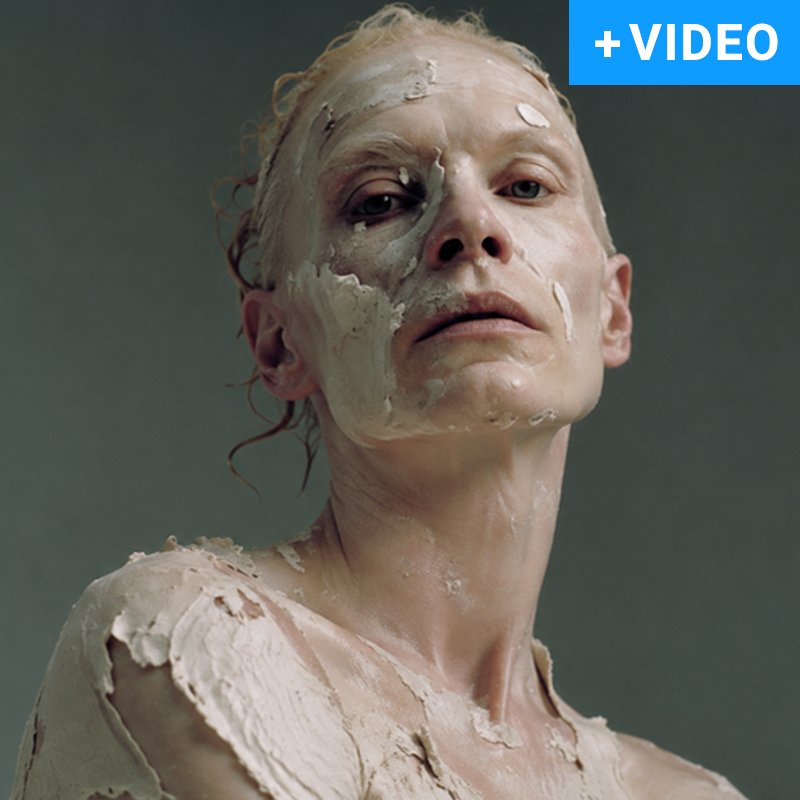
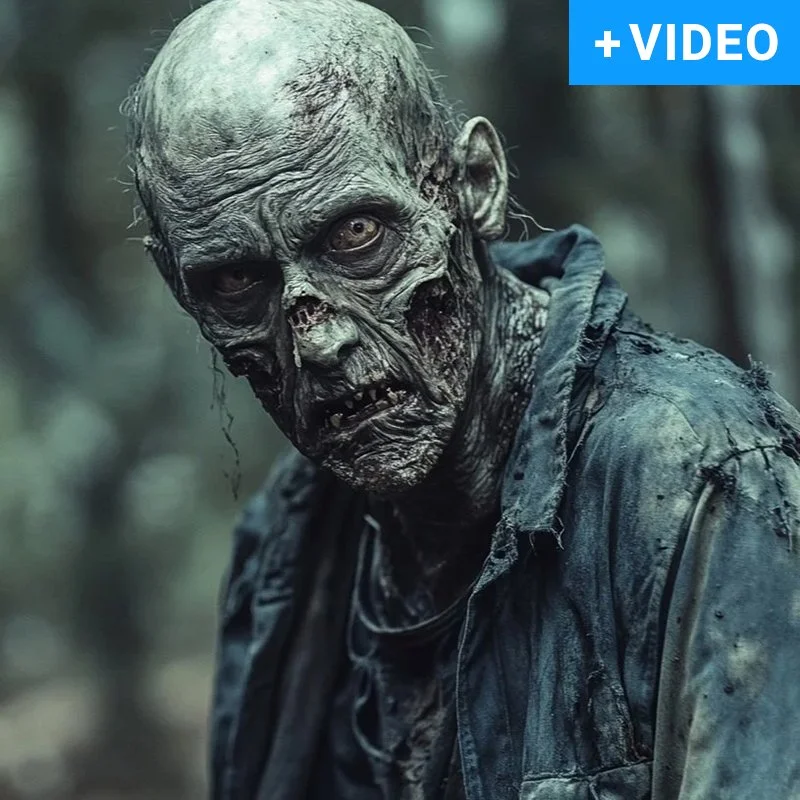
For over thirty years I have kept a visual sketchbook. Inspiration, references and my own work, gathered long before anyone called it a dataset. Autonomous/Inspiration puts that archive in conversation with whoever arrives. You type what you are looking for in plain words. The archive finds it by what the images mean, not what they were filed under.
The Brief
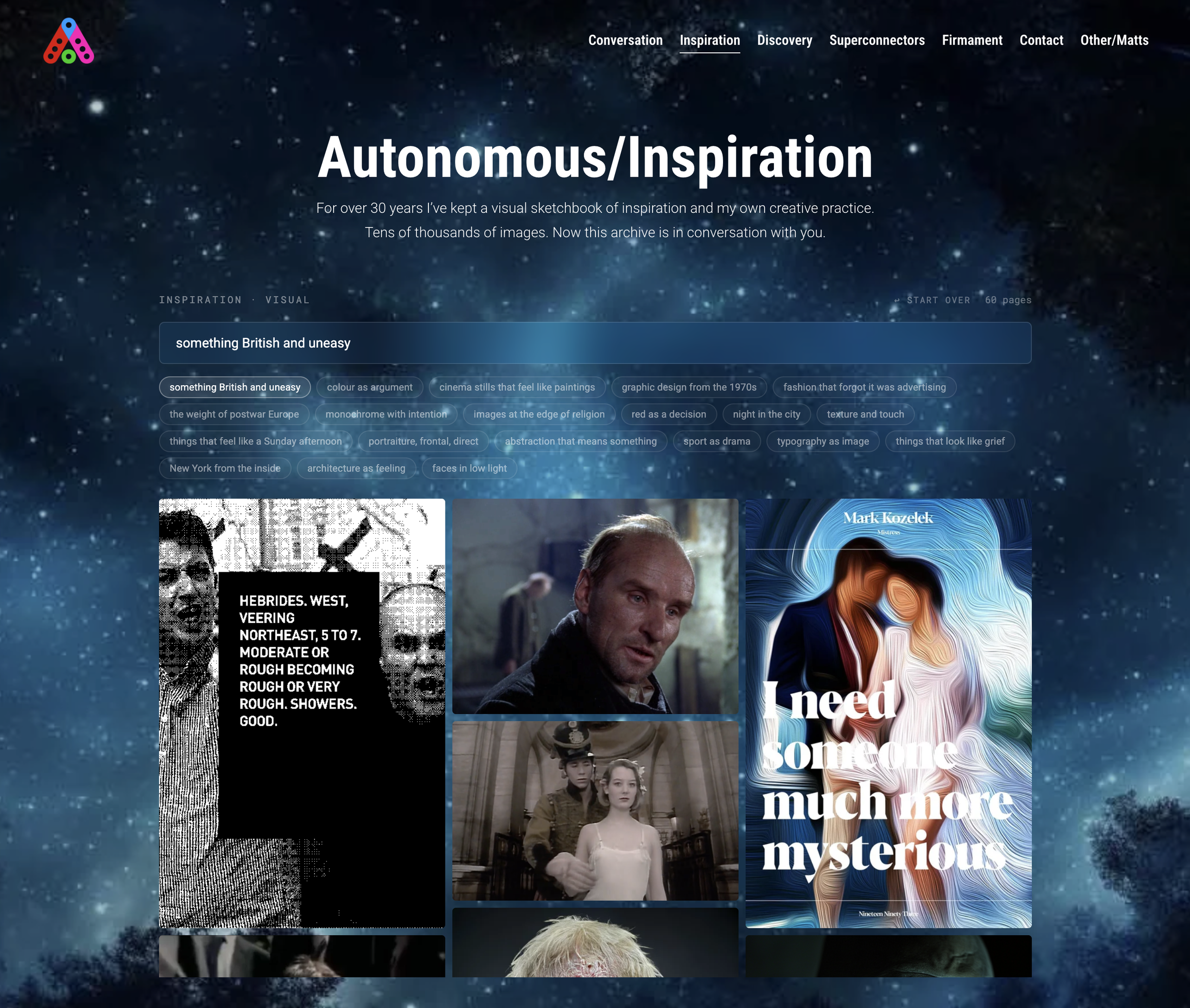
A sketchbook is only useful if you can find things in it. Mine had grown past the point where memory or folders could. Tagging tens of thousands of images by hand was never going to happen, and tags would miss the point anyway. Inspiration rarely arrives as a keyword. It arrives as a mood, a composition, a quality of light.
So the brief was simple:
Search by meaning. A query like "lonely figure in a vast interior" should work without a single tag.
Browse by resemblance. Any image should open a path to others like it.
Stay quiet. The interface gets out of the way. The images do the talking.
Belong to the constellation. Inspiration sits beside the other Autonomous tools and draws on the same body of work that runs through the ten sites.
How It Works
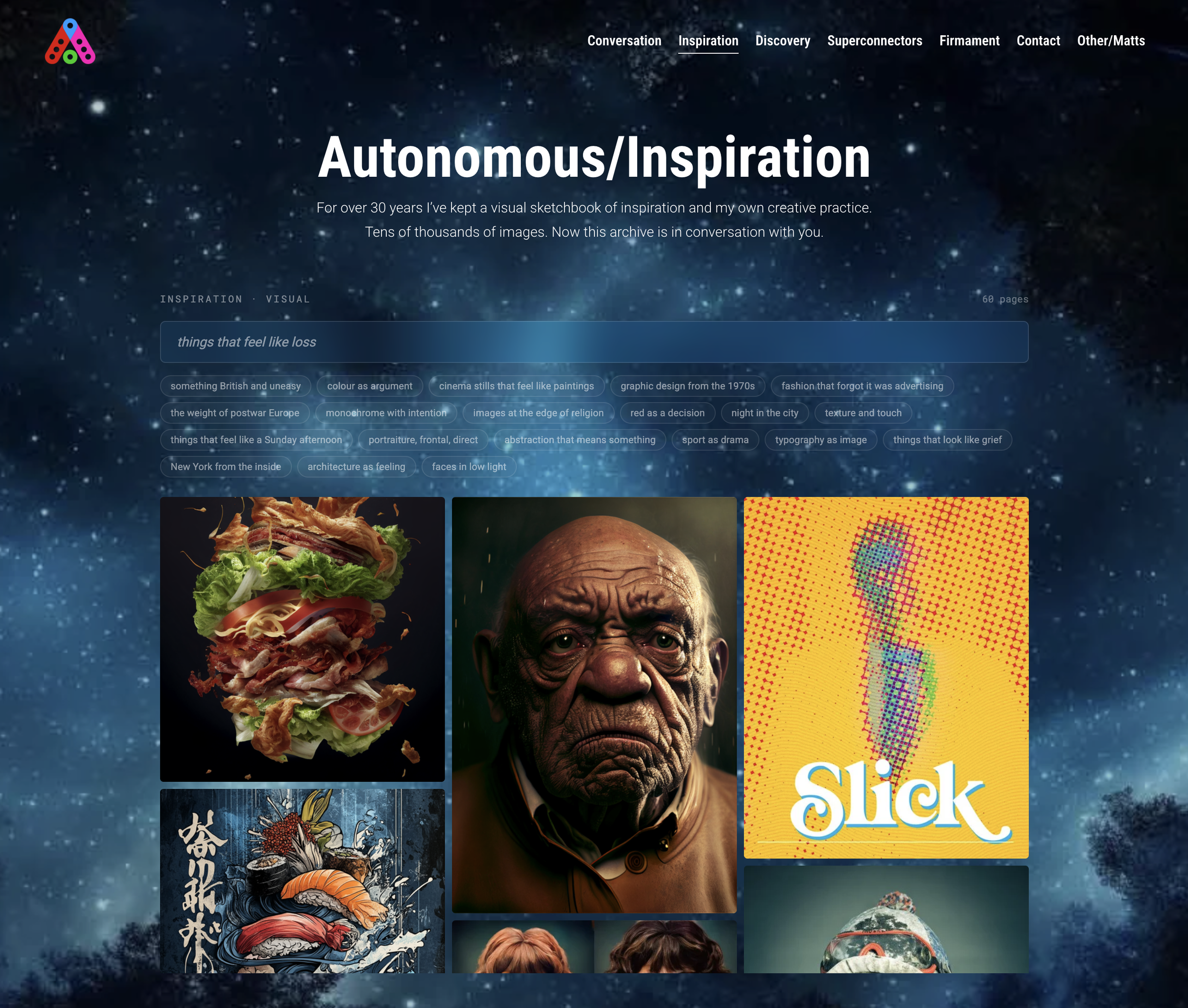
Ask. A single search field. Type a phrase, not a keyword. Brutalist stairwell at dusk. A crowd seen from above. Gold on black.
See the wall. The archive returns a wall of the closest images, ranked by how near they sit to the phrase in meaning.
Open one. An image opens large, with arrows to step through the results.
Follow the thread. Under every open image, More like this pulls the images that sit nearest to it. One find becomes a path.
Start over. One link clears the wall. If nothing matches, the tool says so plainly and asks for a different phrase.
The design choice that matters most is what is missing. No categories, no filters, no tag cloud. The only way in is language, and the only way through is resemblance. That is how a sketchbook works in the head, and now it is how it works on the screen.
Process And Build
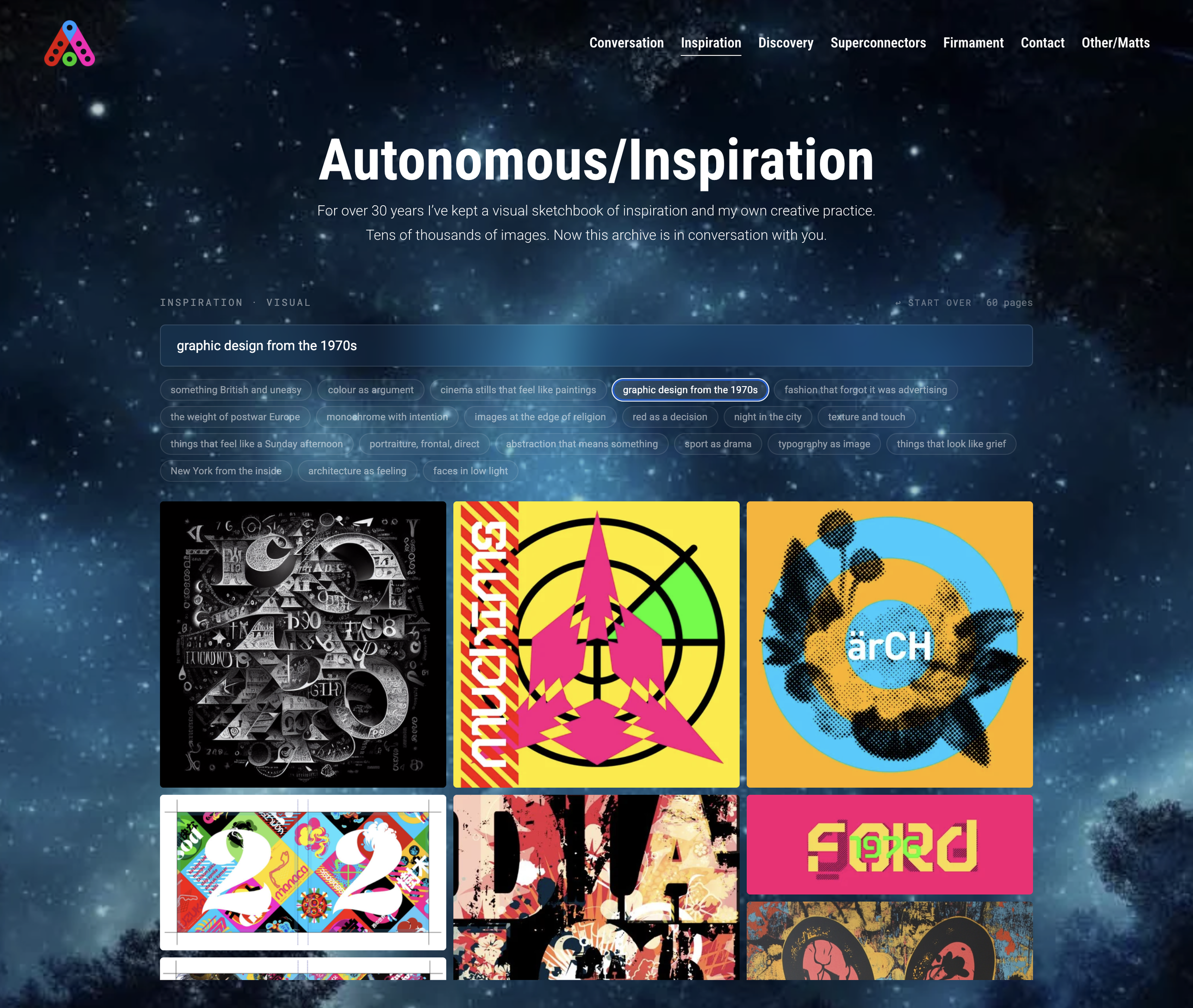
1. Gather the archive. Thirty years of images, from scanned sketchbook pages to references to finished work, brought into one collection.
2. Embed every image. Each image is converted into a multimodal embedding with Voyage AI's voyage-multimodal-3 model. The embedding is a numerical fingerprint of what the image contains and how it feels. Text queries are embedded into the same space, so a phrase and a picture can be compared directly.
3. Index for search. The embeddings live in a dedicated Upstash Vector index, kept separate from the text index that powers Autonomous/Conversation. Separation keeps each tool's results clean.
4. Build the interface. A lightweight front end on Vercel: the search field, the wall, the lightbox and the More like this row. It embeds into autonomousmatt.com and follows the same Roboto typography as the rest of the constellation.
5. Curate the results. A search engine is only as good as what it chooses to show. The wall shows the work and nothing else: one copy of each image, every result a live page.
I directed the product and made every decision about what it should do and feel like. The code was built in sustained collaboration with Claude, deployed from GitHub to Vercel.
What This Shows
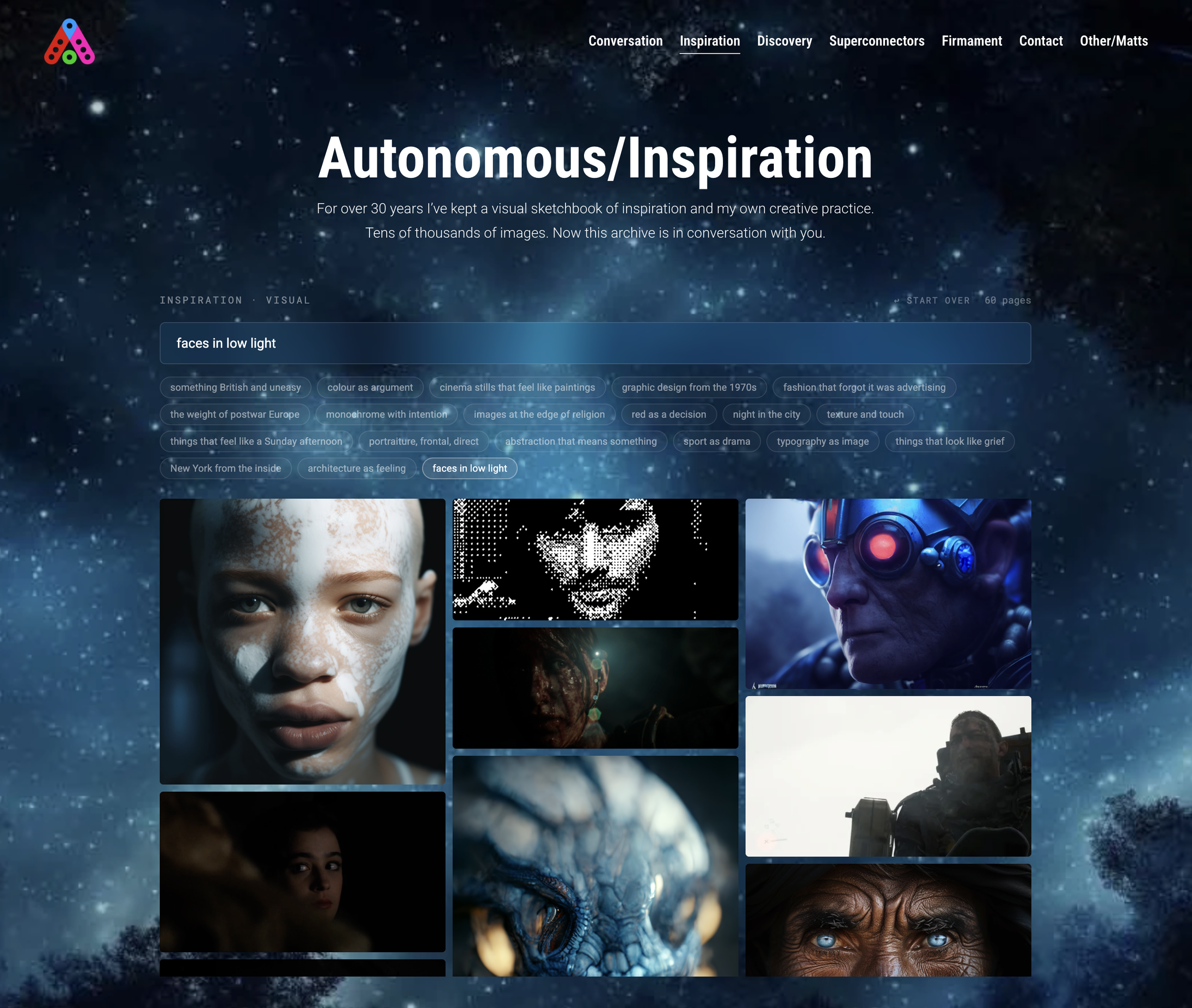
Most creative archives die in folders. This one became a product. Autonomous/Inspiration shows product thinking applied to a creative practice: a real problem, a clear brief, an interface stripped to its essentials, and a modern AI stack chosen for the job.
Where this applies:
Searchable mood and reference libraries for studios and agencies, where the archive is years of past work
Brand and asset libraries that people search by feeling, not filename
Visual discovery inside editorial, retail or entertainment products
Internal tools that turn a company's own image history into a creative resource
The archive is still growing. Every new image joins the same space as the first ones, and the paths between them lengthen. Somewhere in there is a connection between a sketch from the 1990s and a render from last week that nobody has found yet.